 Creator Hub design options, from Max Bernstein, October 2026
Ten design options for the Creator Hub
I went through the Creator Hub and the first two milestones of the Offer Accelerator. These ten options change the layout, look and motion of those screens, and a few propose new interactions. Most of them keep a creator's own answers on screen as the journey goes on. The others put the next step or the creator's progress first.
The look all ten share
- A deep navy background with soft blue light, and OBIE's white logo
- Large opening text in Instrument Serif, with other text in DM Sans
- OBIE's infinity mark as a 3D ribbon that lights up as a creator moves through a journey
- Motion only where something changes, such as typing an answer or finishing a step
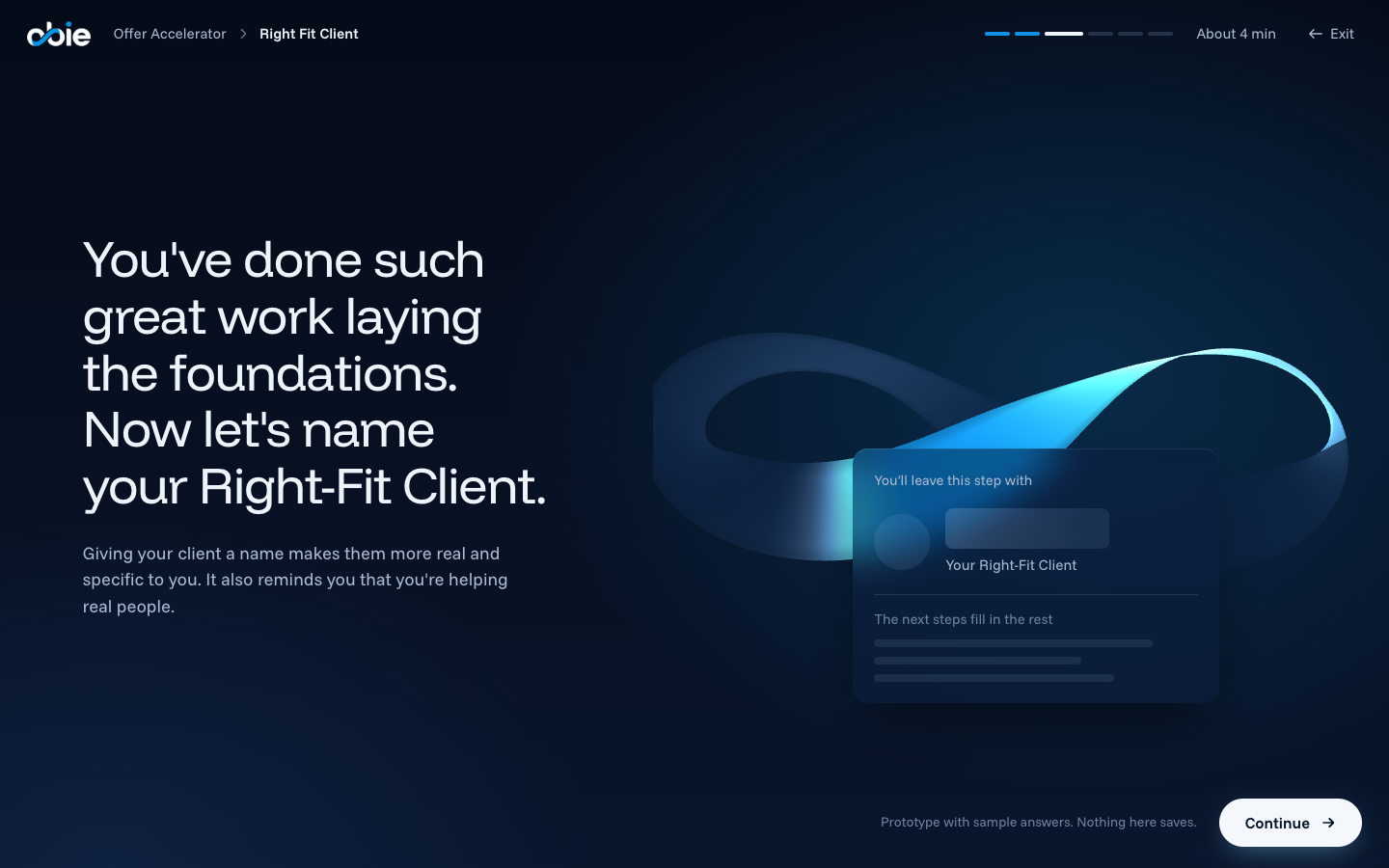
Option H is built as a prototype you can click through. Type a sample name for the Right Fit Client and watch the card and the ribbon respond.
Try the prototypeThe ten options
Click any picture to see it larger. Names, answers, step counts and time estimates in the pictures are samples. Star the options you like, use the Starred filter to review them, then reply with their letters.
Small changes that help with any option
- Progress countsOn my account, the Big Why card shows Complete while the Hub shows 0 completed milestones and 0 completed steps. Worth checking before progress gets a new design.
- Welcome message onceShow the welcome on the first visit. On later visits, put the next step at the top.
- One way to continueOn the Hub, the "Open Journey" button and the journey list's button both link to the same journey page. One clear Continue button would do.
- Left-aligned layoutMost headings, cards and buttons are centered. Left-aligning them would make the next action easier to find.
- Finished milestones look finishedShow the answer on a finished milestone, so it reads differently from one not started.
- The answer as a resultShow a finished Big Why as clean text, with the editing toolbar behind an Edit button.
- Background contrastConsider stronger contrast between the background, cards and text.
- Time next to step countsA time estimate beside "6 steps", such as "about 8 minutes", helps a creator decide whether to start now.
Picking
Reply with the letters you like best. Mixing parts of different options works too, for example the Hub from A with the steps from G. Option H shows what a chosen option looks like as a clickable prototype.